
Onigirice · Solutions
The right orders at the right kitchen station.
A kitchen display system, or KDS, brings preparation orders together. Staff find items, quantities and instructions from the POS, kiosk and website in a service-focused view.
Discuss my project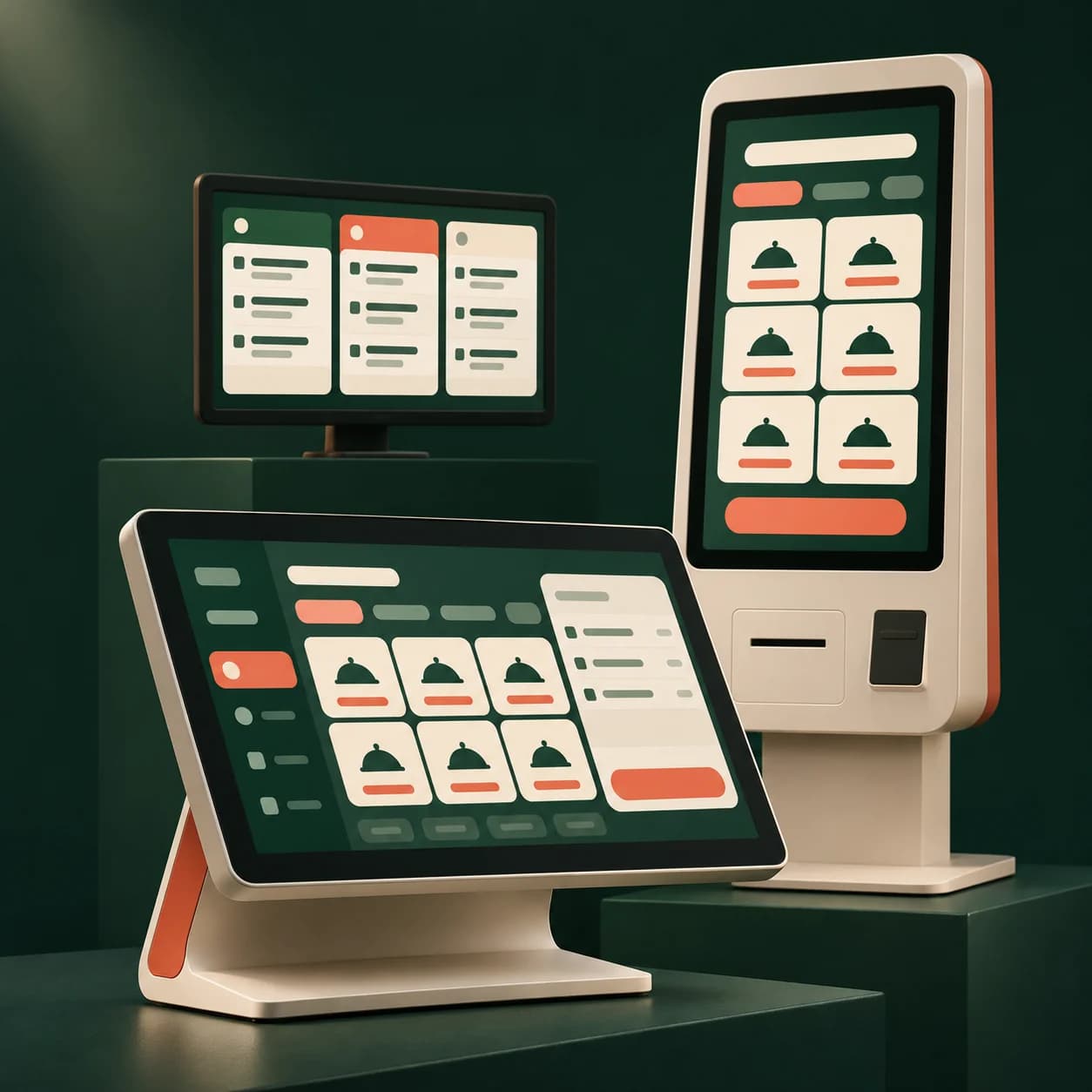
Organise preparation stations for restaurants, quick service, production kitchens and delivery-focused kitchens around your menu and ordering channels.
What the module provides
Keep preparation details
Options, sauces and reheating instructions stay with each item. The kitchen sees the same information as the counter.
Route work to stations
Orders arrive by station according to configuration. Preparation tickets can be sent to kitchen printers connected through the local agent.
Track preparation status
Follow preparation stages and mark orders ready. Collection references help the counter find the correct order.
Prepare for launch
- Define stations and product routing.
- Test an order with options and a kitchen printout.
- Check statuses through ready and collection.
FAQ
Your questions
How does a KDS differ from a kitchen printer?
A KDS shows orders and their progress; a printer provides a paper ticket. Both can support your workflow after station configuration and testing.
Can POS, kiosk and online orders share the kitchen view?
Yes. These channels can share a preparation workflow, with transmission timed around your chosen confirmation or checkout process.
Can it suit a delivery-only kitchen?
The workflow can suit takeaway or delivery production. Validate stations, ordering channels and connectivity; third-party platform integrations are not assumed.