
Onigirice · Solutions
Self-ordering, built around your menu.
Give customers an independent ordering journey with a touchscreen kiosk. Present products, meal deals and options, then carry the same details to the counter and kitchen.
Discuss my project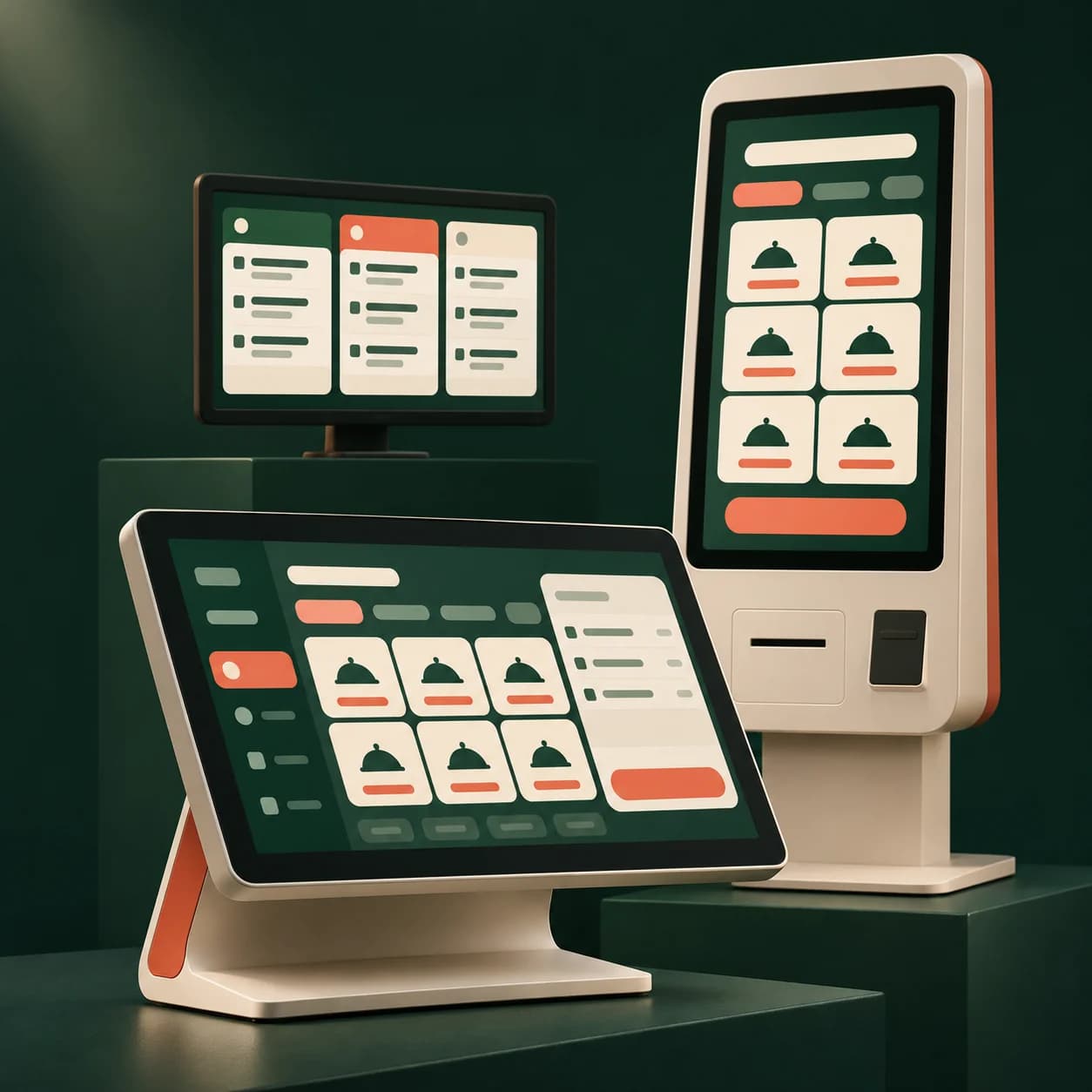
Configure kiosk software for a quick-service restaurant, takeaway counter or venue with a collection workflow.
What the module provides
Guide customer choices
Present suggestions, included sauces, paid extras and reheating instructions. Keep these choices with the order through preparation.
Choose when orders are sent
Connect kiosk, POS and kitchen display around your chosen preparation trigger. Test the complete confirmation and payment journey before opening.
Organise collection
Use an order number, name or pager according to your settings. Automatic pager activation depends on the model and its interface.
Prepare for launch
- Prepare products, meal deals and options.
- Validate the kiosk, POS and kitchen workflow.
- Test the receipt and customer collection reference.
FAQ
Your questions
Can the kiosk send directly to the kitchen?
Yes. Depending on your settings, send on confirmation or after payment. The POS can also be part of the workflow before preparation.
Can customers choose sauces and extras?
Configure included or paid choices in the catalogue. Quantities, options and instructions stay visible throughout the order workflow.
Are pagers required?
No. Use an order number or customer name instead. Automatic paging requires compatible hardware tested at the venue.