
Onigirice · Solutions
A touchscreen POS built for the counter.
Restaurant point-of-sale software should support service from the first item to the final receipt. Bring ordering, checkout and kitchen tracking into a workflow configured for your venue.
Discuss my project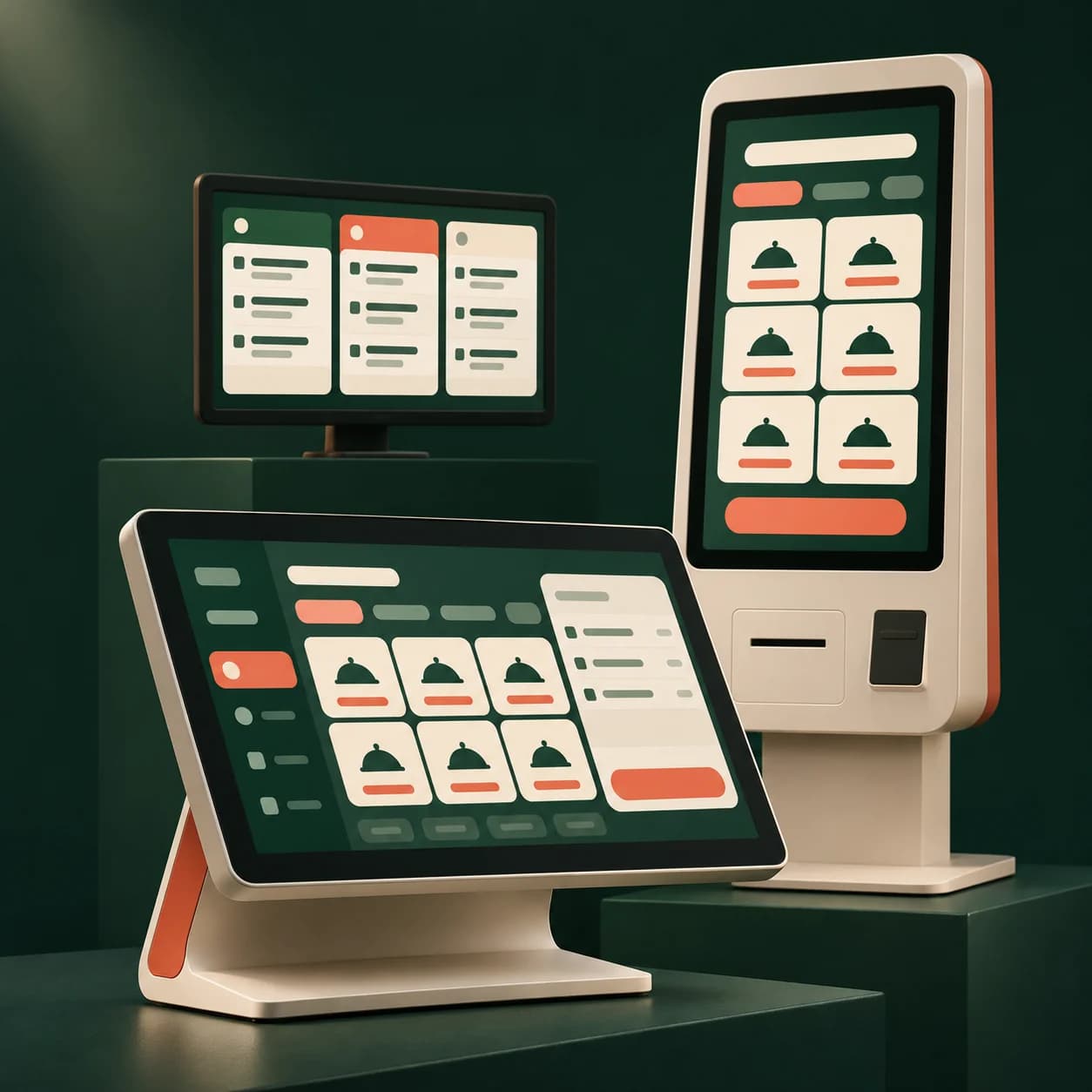
Restaurants, quick-service counters, takeaways and food trucks can configure the checkout around their ordering channels and compatible equipment.
What the module provides
Take payment and find orders
Work with a touchscreen catalogue and a compatible scanner. Counter, kiosk and website orders follow your configured workflow.
Print preparation and customer tickets
Connect configured printers through the local print agent. Test receipt layout, cutting and kitchen routing on your actual hardware.
Review the trading day
Find refunds, close-out and accounting exports in the management tools. Keep the catalogue and availability in one place.
Prepare for launch
- Configure the menu, options and sales modes.
- Test an order, its payment and its printed tickets.
- Check kitchen handover and end-of-day close-out.
FAQ
Your questions
Can I keep my touchscreen and receipt printer?
Reuse depends on the operating system, browser and hardware interfaces. Test touch input, scanning, printing and cutting before the first service.
Can the POS receive kiosk orders?
Yes. Configure a workflow connecting kiosk, POS and kitchen, with preparation triggered after payment, on confirmation or with deferred payment.
Does it suit a takeaway or food truck?
The workflow can suit a compact takeaway counter. For food trucks, also validate connectivity and backup needs before opening.